


How does it work?

2Add a topic
Type any news topic after it, like elections, sports or technology.


3Pick a suggestion
Choose one of the suggestions to open news results about it from your news provider.
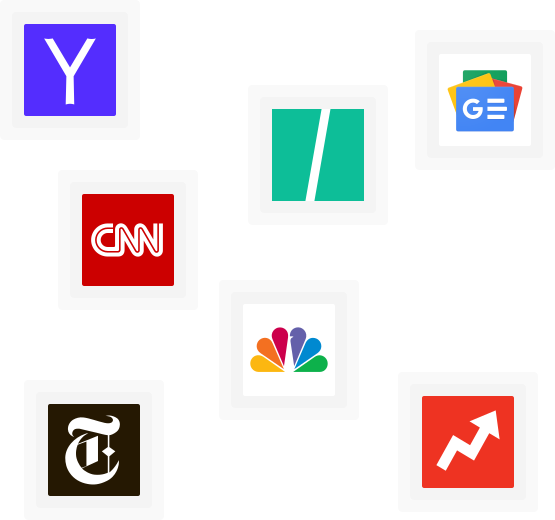
Choose your news provider
Click the Newz Finder icon in your browser toolbar and pick where your news comes from. CNN is the default.
- CNN
- Yahoo News
- HuffPost
- Google News
- The New York Times
- NBC News
- BuzzFeed